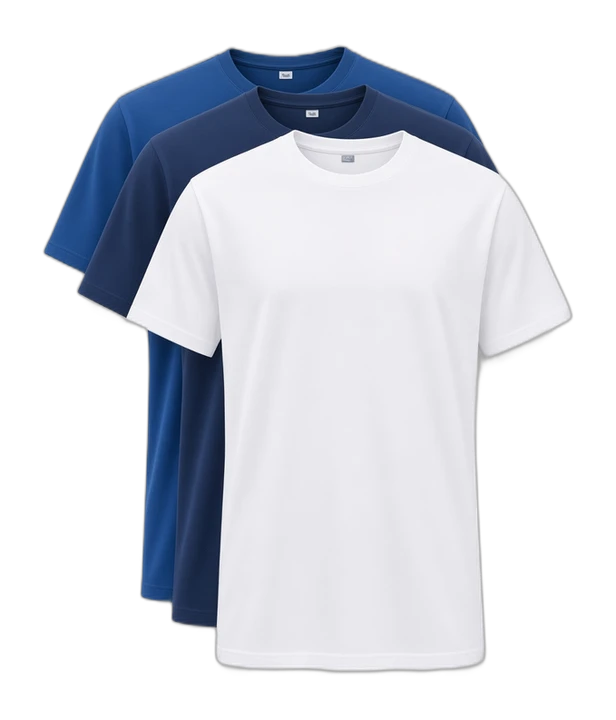
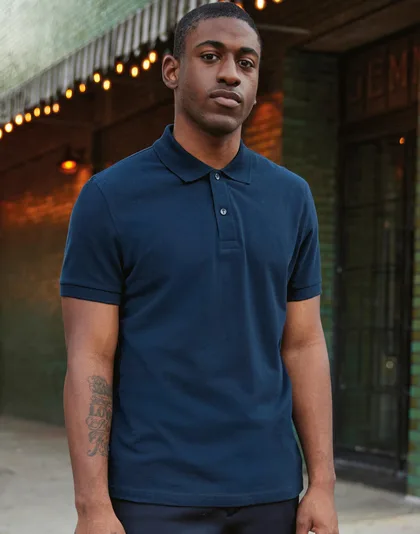
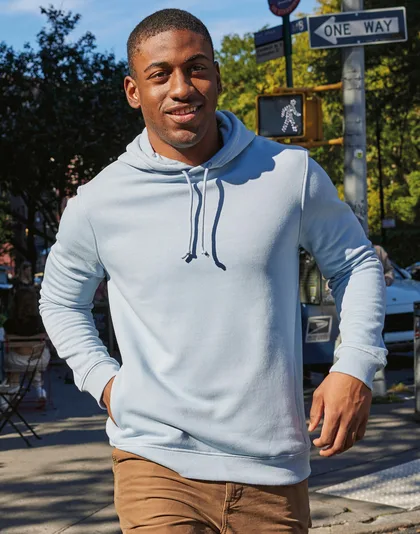
T-shirt colour for your logo: how to get good contrast
Vasco Moreira
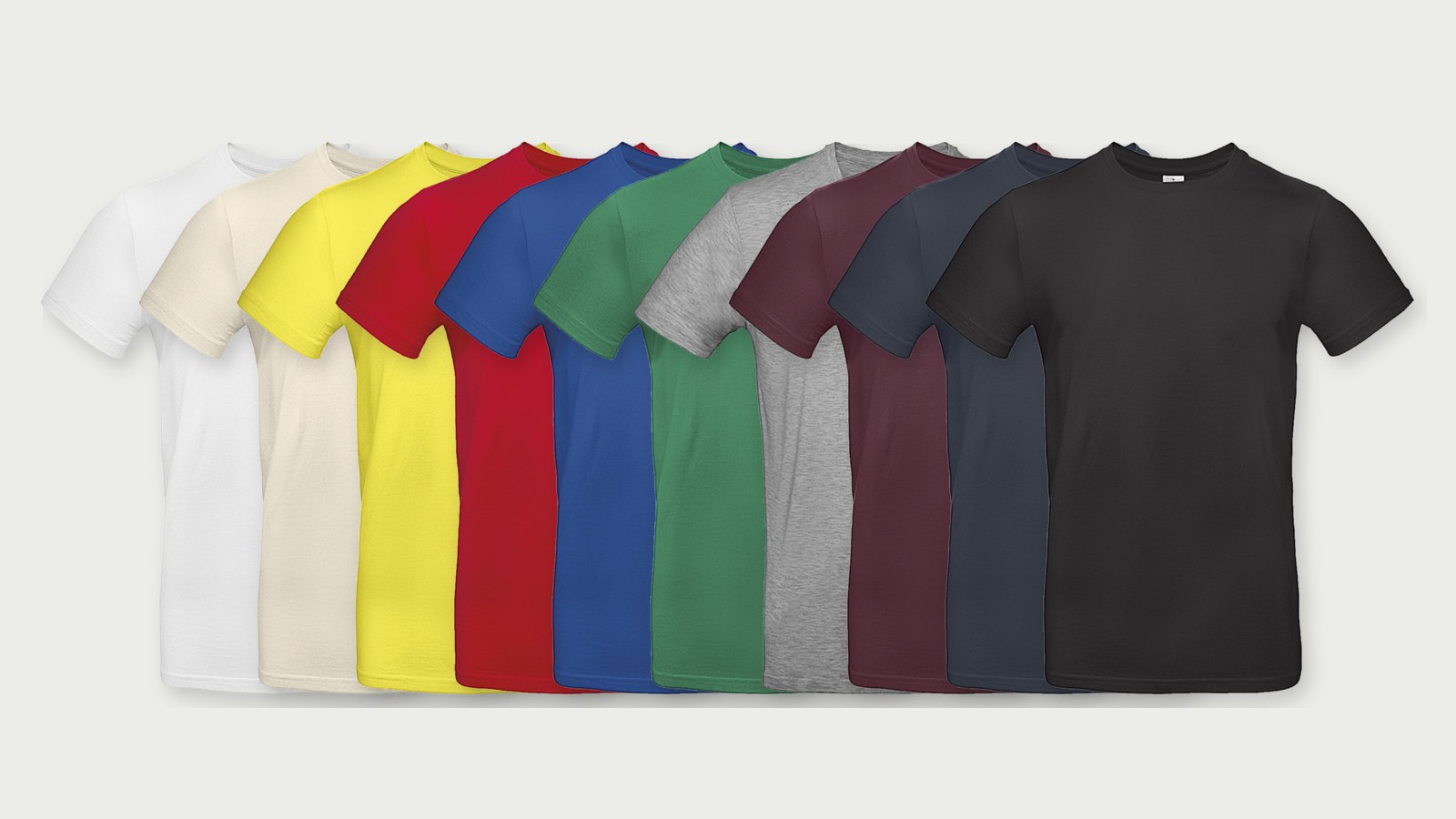
The best t-shirt colour for your logo is the one that gives strong contrast with the colours of the design: a dark logo on a light garment and a light logo on a dark garment. At TshirtPro we personalise B&C t-shirts, polo shirts and sweatshirts with DTF and DTG printing, personalised in Portugal, from 1 unit. Before the garment goes into production you receive a mock-up showing how the logo looks on the colour you chose.
This guide answers the colour questions we hear most: which t-shirt colour goes with my logo, what to do with a dark logo on a black t-shirt, how a white print looks on a dark garment and why colour changes between the screen and the fabric. It is for companies, teams, events and private customers. For the file itself, read how to prepare your logo for t-shirt printing first.
Quick answer: how to choose the t-shirt colour
- Look for contrast: a dark logo reads well on white, natural or light colours. A light logo reads well on black, navy or strong colours.
- Keep two versions of the logo: a dark one for light garments and a light one for dark garments.
- Remove the background from the file: a white background prints as a rectangle on a coloured garment.
- Watch out for similar colours: blue on navy or red on burgundy get lost at a distance.
- Check the mock-up: see the logo on the real garment colour before you approve.
The contrast rule: light or dark logo
The eye reads the difference in lightness first and the colour second. A red logo on a green t-shirt has very different colours, but both are mid tones and the design loses impact a few metres away. A black logo on a yellow t-shirt reads from far away, because one colour is very dark and the other very light.
A simple test: turn the logo and the garment colour into black and white on your computer. If both end up as a similar grey, the contrast is weak. The table sums up what usually works.
| Logo colour | Garment colours where it reads well | Be careful with |
|---|---|---|
| Black or navy | White, natural, sand, yellow, light grey | Black, navy and dark grey garments |
| White | Black, navy, burgundy, bottle green, royal blue, red | White, natural and very light garments |
| Red | White, natural, light grey, black | Red, orange, burgundy and pink |
| Blue | White, natural, yellow, light grey | Navy, royal blue and other blues |
| Yellow or gold | Black, navy, bottle green, royal blue | White, natural and yellow |
| Several colours or gradients | White or light neutral colours | Garments in one of the logo colours |
When the logo has several colours, a white or natural garment is almost always the safest choice. On a strong colour, make sure no part of the design is the same colour as the fabric.
Brand colours or available colours?
Many companies want the t-shirt in the exact brand colour. There is not always a fabric colour that matches. So compare the brand colour with the colours of the model and pick one of two approaches.
- Garment in the brand colour: choose the fabric closest to the main colour and print the logo in white or in a one colour version. It looks strong on uniforms and merchandise.
- Neutral garment with the logo in colour: white, black, navy or heather grey, with the logo in its original colours. It is the easiest option when the brand colour does not exist in the fabric.
The Premium Tee B&C #E190 TU03T, for example, comes in 40 colours. Each product page shows the available colours and a photo of each one. If the team will wear several colours, note that each colour is a separate production run and that, according to the site FAQ, the price is based on the quantity per colour and not on the cart total. To keep everyone consistent, there is more advice in how to create a consistent image for your whole team.
Dark logo on a black t-shirt: what to do
It is one of the most common requests. A black or navy logo on a black t-shirt is almost invisible. There are four solutions.
- Negative version: the same logo in white. It is the most used solution and the easiest to read.
- Light one colour version: the logo in one of the light brand colours, such as yellow or sky blue.
- Light outline: a white or light outline around the dark letters. It works for simple logos with bold letters.
- Change the garment colour: if the logo must stay in its original colours, choose a light or mid tone garment.
If you do not have the negative version, ask whoever designed the logo. Do not invert the colours of a logo with a photo or gradients without seeing the result, because it can look odd. If in doubt, talk to our team before you order.
White print on a dark t-shirt
A white logo on a black or navy t-shirt is a classic and very readable combination. In both techniques, white is printed as a layer of its own. In DTF, the film carries a white layer behind the colours. In DTG, the printer first lays a white base on the dark fabric and then prints the colours on top.
This white layer is also what keeps the other colours bright on a dark garment. Without it, a yellow printed on a black t-shirt would look dull. So you can use colour logos on a dark garment without losing intensity.
In the DTG table on the prices and sizes page, the price per format separates White/beige fabric from Colour fabric. In DTF, the price depends on the print area and size. The configurator shows the final price before you pay.
The white background in the file
Everything in the file can be printed. A blue logo in a JPG with a white background, on a black t-shirt, shows up as a white rectangle with the logo inside. On a white t-shirt you do not notice it, but on a coloured garment you see it straight away.
- Use a PNG with a transparent background or a vector without background: the configurator accepts PNG, JPG, SVG or PDF up to 10 MB.
- Use the Remove background tool: it removes the white around the logo right in the configurator.
- View the file on a dark background: this shows white edges or shadows you did not want.
- Watch the white inside the logo: if the design has white parts on purpose, they may go with the background. Check the mock-up.
According to the site FAQ, the configurator warns you if the resolution falls below 150 DPI for the print size. For the size and position of the logo on the garment, see where to print the logo on a t-shirt.
DTF or DTG on dark garments
Both techniques print well on light and dark garments. In the configurator, the models that accept both show the Printing technique step, with DTF or DTG. Some models appear with DTF only, such as the Classic Tee B&C #E150 TU01T, at 145 g/m², and the Polo B&C ID.001 PUI10.
| Point | DTF | DTG |
|---|---|---|
| How it prints | On a film that is applied to the garment with heat | Directly on the fabric |
| Dark garments | White layer behind the colours, on the film | White base printed on the fabric before the colours |
| Areas | All areas, including the sleeves | Only on the front and back |
| Where it shines | Logos with solid colours, small letters and fine lines | Photos and gradients on cotton garments |
For a small chest logo on a black t-shirt, DTF gives very sharp edges. For a large image with gradients on the back of a cotton t-shirt, DTG makes the print blend more into the fabric. The full comparison is in DTF or DTG: what is the difference.
Heather grey and other textured colours
Heather grey is a very popular colour because it goes with almost everything. The fabric mixes yarns of different shades and that texture shows around the print. On the B&C #E190 Women TW04T, for example, the product page lists 85% cotton and 15% viscose for this colour.
- Prefer logos with solid colours: black, navy, white or a strong colour.
- Avoid very thin grey lines: they blend into the texture of the fabric.
- Avoid grey on grey: a grey logo on a heather garment gets lost.
The same care applies to mid tones such as stone blue or khaki. On these colours, both white and black can work. Choose the version with more contrast and check the mock-up.
Why colour changes between the screen and the fabric
A screen shows colour with light. Fabric absorbs ink. So a very bright colour on screen, such as a neon green or an electric blue, can look a little softer on the garment. The photo of each colour on the product page also depends on the lighting and on your screen.
- Send the original brand file: with the colours set by the designer.
- Expect small colour differences: between the screen, the garment photo and the real fabric.
- If the brand colour is critical: tell the team before you order.
For text created in the configurator you can choose the colour of each letter or word and use the Custom colour (RGBA) option to set the brand shade.
Which colours each model offers
These are the colours and sizes listed on the product pages of the models most used for logos. Always check the colour in the configurator before you order.
| Model | Fabric | Colours and sizes | Colour note |
|---|---|---|---|
| Premium Tee B&C #E190 TU03T | Cotton, 185 g/m² | 40 colours, XS to 3XL | The widest range, from white to black |
| Classic Tee B&C #E150 TU01T | Cotton, 145 g/m² | 41 colours, XS to 3XL | DTF only |
| B&C #E190 Women TW04T | Cotton, 185 g/m² | 40 colours, XS to 3XL | 3XL only comes in 6 colours |
| B&C #E190 Kids TK002 | Cotton, 185 g/m² | 12 colours, 3-4 to 12-13 | To match the adult garments |
| B&C #E220 Oversized TG001 | Cotton, 220 g/m² | 4 colours, XS to 3XL | White, black, navy and mastic |
| B&C Inspire Crew Neck WU31B | Cotton and recycled polyester, 280 g/m² | 21 colours, XS to 3XL | Includes off white and heather grey |
| B&C Inspire Hooded WU33B | Cotton and recycled polyester, 280 g/m² | 21 colours, XS to 3XL | The same colours as the WU31B |
| Polo B&C ID.001 PUI10 | Cotton piqué, 180 g/m² | 20 colours, XS to 4XL | DTF only |
On the B&C #E190 Women TW04T, 3XL only comes in white, black, navy, heather grey, royal blue and red. If the team has large sizes, choose one of these colours so everyone matches. For mixed teams, see the guide to custom t-shirts for women. The Inspire sweatshirt and hoodie share the same 21 colours, so you can dress the team in a matching t-shirt and sweatshirt. The difference between models is explained in the guide sweatshirt, hoodie or zip hoodie, and polo shirts have their own guide on custom polo shirts for companies and teams.
Colour ideas by use
- Company and uniforms: a garment in the main brand colour with the logo in white, or a neutral garment with the logo in colour.
- Events and large teams: a strong colour that stands out from afar, such as red, royal blue or yellow, with the logo in white or black.
- Groups and trips: one colour per group helps you find people. See custom group t-shirts.
- Merchandise: black, white or natural with the design in colour. A custom oversized t-shirt is another option for this use.
- Photos and QR codes: they need a lot of contrast. Follow the tips for a custom t-shirt with a photo and for a QR code t-shirt.
- Hand drawings: on a dark garment, black lines disappear. See kids drawing on a t-shirt.
Check everything on the mock-up
After the order and payment, our team reviews the files and prepares the mock-up. Production only starts once you approve it. It is the right moment to check the contrast with the real garment colour.
| Step | Lead time | What to check |
|---|---|---|
| Mock-up | Up to 4 working hours after confirmed payment | The logo on the chosen colour, with no white background around it |
| Approval | As long as you take to approve | Contrast, size and position; you can ask for changes |
| Standard production | Up to 9 working days | Counted from the approval of the mock-up |
| Priority production | Up to 5 working days | With a 10% surcharge; shipping is added to the lead time |
If the logo does not read well on the mock-up, ask for a change: another version of the logo or another garment colour. Learn more in what is a personalisation mock-up and plan with the lead times in the guide to production times for custom t-shirts.
Quick checklist before you order
- Do the logo and the garment have very different lightness?
- Do you have a light version of the logo for dark garments?
- Does the file have a transparent background or did you use Remove background?
- Is no part of the logo the same colour as the fabric?
- Does the chosen colour exist in all the sizes you need?
- Did you check the contrast on the mock-up before approving?
To make the colours last, wash the garments inside out and follow the care tips in the guide on how to wash custom t-shirts.
Frequently asked questions
Which t-shirt colour goes with my logo?
The one with the most contrast. A dark logo looks good on white, natural or light colours. A light logo looks good on black, navy or strong colours. If the logo has several colours, a white or natural garment is the safest choice.
My logo is black. Can I put it on a black t-shirt?
It would be almost invisible. Use the negative version of the logo, in white, or a version in a light brand colour. Another option is to choose a light garment.
Does a white print look good on a dark t-shirt?
Yes. In both techniques white is printed as a layer of its own. In DTF it is part of the film and in DTG it is printed on the fabric before the colours. That is why white and the other colours stay bright on a black garment.
Why is there a white rectangle around my logo?
Because the file has a white background, as many JPG files do. Use a PNG with a transparent background or the Remove background tool in the configurator.
Will the printed colour match the screen?
It will be very close, but expect small differences. A screen shows colour with light and fabric absorbs ink. If the brand colour is critical, talk to the team before you order.
Can I order the same t-shirt in several colours?
Yes. You can add several colours of the same model to the cart. Each colour is a separate production run and the price is based on the quantity per colour.
TshirtPro personalises B&C t-shirts, polo shirts and sweatshirts with DTF and DTG printing, personalised in Portugal, from 1 unit. In the configurator you choose the garment, the colour and the size of each print and see the price instantly. The other models are under all products and there are more guides on the blog. Questions about the right colour for your logo? Use the contact page, send a WhatsApp message to +351 968 662 370 or write to info@tshirtpro.pt, Monday to Friday, from 9:00 to 18:00.
Ready to create your custom t-shirts?
Confirm your order and receive a free mockup before production.
Start configuring