A QR code t-shirt works well when the code has strong contrast, a light margin around it and a size planned for the distance it will be read from. At TshirtPro we personalise B&C t-shirts and sweatshirts with DTF and DTG printing, personalised in Portugal, from 1 unit, so you can test the code on a single garment before you dress the whole team.
This guide answers the questions we get from people who want a QR code on a garment: what it is for, what size to choose, how to do it on a dark t-shirt, which file to send, whether the code should be static or dynamic and how to test it before production. For logo placement and print zones, see where to print the logo on a t-shirt; for formats and resolution in general, see how to prepare a logo for t-shirt printing.
Quick answer: how to make a QR code t-shirt that scans
- Pick the right spot: the back is the flattest zone and the easiest to scan for people behind or beside the wearer.
- Give the code some size: as a rule of thumb, a code scans well up to about 10 times its width; on the back, an A4 format covers about 2 metres.
- Use contrast: dark modules on a light background. On a dark garment, place the code inside a white square.
- Send a sharp file: a vector SVG or PDF is ideal; a PNG also works if the resolution is good.
- Test first: print the code on paper at real size and scan it with several phones; then check everything on the mock-up.
What a QR code on a t-shirt is for
A QR code on a t-shirt takes whoever scans it straight to a page. It is useful when the garment is seen by many people and you want them to take one simple action. The table shows the uses we see most and where the code usually works best.
| What you use it for | Where the code points | Where to print it | Suggested format |
|---|---|---|---|
| Team at a trade fair or event | Website, catalogue or contact form | Back | A4 or A3 |
| Restaurant, bar or shop staff | Menu, bookings or review page | Back | A4 |
| Race, tournament or charity drive | Sign-ups, results or donation page | Back | A4 or A3 |
| Clothing brand or merch | Online shop or the brand's social media | Back or front | A5 to A3 |
| Group, trip or party | Shared photo album or playlist | Back | A5 or A4 |
| Personal gift | A video or a recorded message | Front, on the chest | A6 or A5 |
For a new team, the code can point to the internal welcome page; see ideas in the employee welcome kit guide. For events, there are more suggestions in custom t-shirts for events and, for front of house teams, in custom clothing for restaurants. For a group of friends, a code for the trip album goes well with the ideas in custom group t-shirts, and on a gift it can lead to a video, as we explain in personalised t-shirt gift.
What size the QR code on a t-shirt should be
The size depends on the distance. The most common rule of thumb says a QR code scans well up to about 10 times its width. Because the code is square, the largest code that fits in each format is as wide as the shorter side. The table uses the DTF print formats from the configurator on t-shirts.
| Format | Size | Largest square for the code | Comfortable scanning up to about |
|---|---|---|---|
| A7 | 74 x 105 mm | 74 mm | 70 cm |
| A6 | 105 x 148 mm | 105 mm | 1 metre |
| A5 | 148 x 210 mm | 148 mm | 1.5 metres |
| A4 | 210 x 297 mm | 210 mm | 2 metres |
| A3 | 297 x 420 mm | 297 mm | 3 metres |
These values are approximate. They depend on the phone, the light and the amount of data in the code. A short link creates a code with fewer squares, so each square is bigger and easier to read. That is why it pays to shorten the address before you create the code.
In practice, an A4 print on the back suits almost every team and event. On the chest, an A6 or A5 reads well up close, when someone walks up to you. On the sleeves, even the largest format sits on a narrow curved area, so we do not recommend placing a QR code there. You can see the size of each format and the garment size charts on prices and sizes.
Contrast: how to put a QR code on a dark t-shirt
QR code readers were designed for dark modules on a light background. A light code on a dark background, in other words an inverted code, is not read by every phone. The code also needs a light margin around it, called the quiet zone, about four modules wide.
| Garment colour | How to design the code | Why |
|---|---|---|
| White or very light | Black code straight on the fabric, with a clear margin around it | The fabric itself acts as the light background. |
| Black or navy | White square with the black code inside | It keeps the right contrast and the light margin. |
| Bright colours, such as red or royal blue | White square with the black code inside | A mid tone gives little contrast with black modules. |
| Heather grey | White square with the black code inside | The texture of the fabric can confuse the reader. |
Avoid gradients, light colours in the modules and large logos in the middle of the code. If you want the logo inside the code, keep it small and test it well. You can also put the logo and a short line next to it, such as «Scan to see the menu», which helps people understand what they will find.
Which file to send for the QR code
The best file is a vector SVG or PDF, because the edges of the modules stay sharp at any size. A PNG also works if it has enough resolution for the chosen format. The configurator accepts PNG, JPG, SVG or PDF up to 10 MB and, according to the site FAQ, warns you if the resolution falls below 150 DPI for the print size. Avoid JPG for a QR code, because compression can blur the edges.
One important point: do not use the Remove background tool on a QR code. On a dark garment, the white background of the code is exactly the light square the reader needs. If you remove it, the code becomes inverted or loses its margin. If you add a photo or another image next to the code, follow the tips in custom t-shirt with a photo.
Static or dynamic QR code
A static QR code stores the address inside the code itself. It always works, but if the address changes, the printed code no longer leads to the right place. A dynamic QR code points to a short address that redirects to the final page, and that page can be changed later without touching the t-shirt.
- Static: good for a website that will not change, such as the company home page.
- Dynamic: good for menus, campaigns and events with several editions. Check with the service you use that the code stays active for as long as you plan to wear the garments.
A t-shirt lasts for years. Before you print, think about whether the page behind the code will still exist while the garment is being worn.
DTF or DTG for a QR code
Both techniques print a QR code with crisp edges. In the configurator, models that accept both techniques show the Printing technique step, with DTF or DTG. DTF works on every zone, including the sleeves, in formats A7 to A3, and gives vivid colours on light and dark fabrics, which helps with the white square on a dark garment. DTG prints directly onto the fabric, only on the front and back, in four formats: 20 x 20 cm, 20 x 30 cm, 30 x 40 cm and 40 x 50 cm, and feels very soft on a cotton garment. The Classic Tee B&C #E150 TU01T appears in the configurator with DTF only. The full comparison is in DTF or DTG: what is the difference.
Which garment to choose for the QR code
A code scans best on a smooth, stretched surface. That is why the back of a t-shirt or sweatshirt is the best zone. The table lists the models we recommend most for this use, with data from the product pages.
| Model | Fabric | Colours and sizes | Where the QR code works well |
|---|---|---|---|
| Premium Tee B&C #E190 TU03T | Cotton, 185 g/m² | 40 colours, XS to 3XL | Back in A4 or A3; chest in A6 or A5 |
| Classic Tee B&C #E150 TU01T | Cotton, 145 g/m² | 41 colours, XS to 3XL | Back in A4, DTF only |
| B&C #E190 Women TW04T | Cotton, 185 g/m² | 40 colours, XS to 3XL | Back in A4; chest in A6 |
| B&C #E220 Oversized TG001 | Cotton, 220 g/m² | 4 colours, XS to 3XL | Back in A3 |
| B&C Inspire Crew Neck WU31B | Cotton and recycled polyester, 280 g/m² | 21 colours, XS to 3XL | Back up to A3; front up to A3 |
| B&C Inspire Hooded WU33B | Cotton and recycled polyester, 280 g/m² | 21 colours, XS to 3XL | Back up to A3, below the hood; front up to A4 |
Cotton t-shirts for teams and events
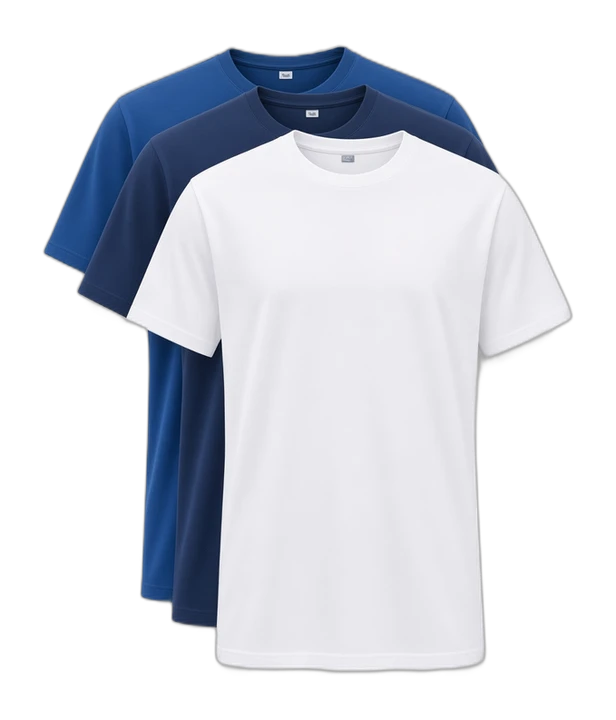
The Premium Tee B&C #E190 TU03T has 185 g/m² cotton, tubular construction without side seams and 40 colours, from XS to 3XL. With no side seams, the back stays smooth for the code. The Classic Tee B&C #E150 TU01T has 145 g/m², the same tubular construction and 41 colours, a lighter option for events with many garments. For teams with women, the B&C #E190 Women TW04T has 185 g/m², side seams for a better fit and 40 colours, from XS to 3XL.
Oversized for brands and merch
The B&C #E220 Oversized TG001 has 220 g/m² cotton, an oversized streetwear cut and 4 colours (white, black, navy and mastic), from XS to 3XL. The loose cut leaves room for a large code on the back, next to the brand name. See more in custom oversized t-shirt and, for even heavier cotton, in Premium TOP E220 t-shirt.
Sweatshirts for winter
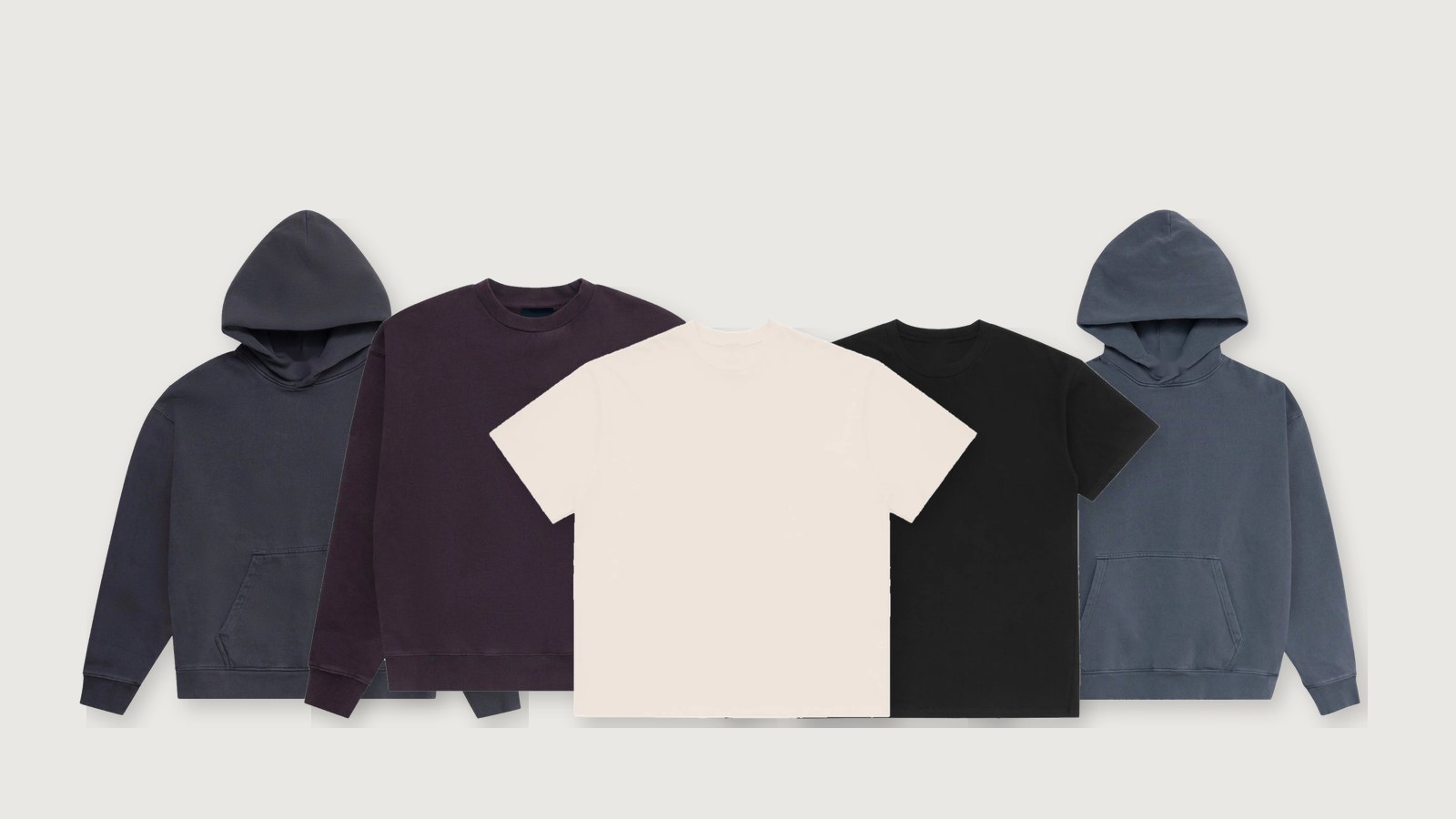
The B&C Inspire Crew Neck WU31B is a crew neck sweatshirt with 280 g/m², in cotton and recycled polyester, 21 colours and sizes from XS to 3XL. The B&C Inspire Hooded WU33B has the same fabric and a lined hood with a drawcord. On a hoodie, the hood falls over the top of the back, so place the code a little lower. The difference between the models is in sweatshirt, hoodie or zip hoodie.
How to test the QR code before ordering for the whole team
- Print it on paper at real size: use the same format you will choose, for example A4 for the back.
- Scan it with several phones: at least two or three different models, with the normal phone camera.
- Test at the real distance: step back to where people will be, for example across a table or a counter.
- Open the link on the phone: check that the page loads well on a small screen and that it is the right page.
- Order one garment first: since we personalise from 1 unit, you can test the printed code before the larger order.
- Check the mock-up: confirm the position, the size and the white square before approving.
Lead times for a QR code t-shirt
These are the TshirtPro steps and lead times, from order to production:
| Step | Lead time | What depends on you |
|---|---|---|
| Mock-up | Up to 4 working hours after confirmed payment | Send the code already tested and in its final file. |
| Mock-up approval | However long you take to approve it | Confirm the position, size and contrast; if approval is delayed, the production time counts from it. |
| Standard production | Up to 9 working days | Choose this option when there is time before the event. |
| Priority production | Up to 5 working days, with a 10% surcharge | Choose this option in the configurator when the date is close. |
See what to check on the mock-up in what a personalisation mock-up is. The details are in the production lead time guide. Shipping is added to the times in the table.
Care so the QR code lasts
A code only works if the modules stay intact. For the print to last, wash inside out, without bleach and without dry cleaning; if you iron, do it inside out and without touching the print. For the t-shirts in this guide (TU03T, TU01T, TW04T and TG001), the product page says wash at up to 30 °C and no tumble dryer. The full guide is in how to wash custom t-shirts.
Frequently asked questions
Does a QR code on a t-shirt really work?
Yes. It works well when it has strong contrast, a light margin around it and a size that suits the distance. Printed on the back, on a smooth area, it is read by the normal phone camera.
What size should a QR code on a t-shirt be?
Allow about 10 times the width of the code as the scanning distance. On the back, an A4 reads up to about 2 metres; on the chest, an A6 or A5 reads well up close.
Can I put a QR code on a black t-shirt?
Yes. Place the black code inside a white square, with a margin around it. Avoid a white code straight on black fabric, because not every phone reads inverted codes.
Which file should I send?
A vector SVG or PDF is ideal. A PNG with good resolution also works. The configurator accepts PNG, JPG, SVG or PDF up to 10 MB; do not use the Remove background tool on the code.
Can I order just one QR code t-shirt?
Yes. We personalise from 1 unit. It is a good way to test the printed code before ordering for the whole team.
How long does a QR code t-shirt take?
The mock-up arrives within up to 4 working hours after confirmed payment. Once you approve it, standard production takes up to 9 working days and priority production up to 5 working days, with a 10% surcharge; shipping is added to this.
How to order a QR code t-shirt from TshirtPro
- Create and test the code: with a short link and, if you may need to change it later, with a dynamic code service.
- Choose the garment: in the configurator, the model, the colour and the technique, when the model accepts DTF and DTG.
- Upload the file: ideally as SVG or PDF, on the back or front zone, and choose the format.
- Enter the sizes: the quantity of each size for the team or the group.
- Choose the lead time: standard, up to 9 working days, or priority, up to 5 working days, with a 10% surcharge.
- Approve the mock-up: confirm the position, size and contrast; only then do the garments go into production.
TshirtPro personalises B&C t-shirts and sweatshirts with QR codes, using DTF and DTG printing, personalised in Portugal, from 1 unit. In the configurator you choose the garment, the colour, the zones and the size of each print and see the price straight away; the other models are in all products and there are more guides on the blog. Questions about your code? Use the contact page, send a WhatsApp message to +351 968 662 370 or write to info@tshirtpro.pt, Monday to Friday, from 9:00 to 18:00.
Ready to create your custom t-shirts?
Confirm your order and receive a free mockup before production.
Start configuring