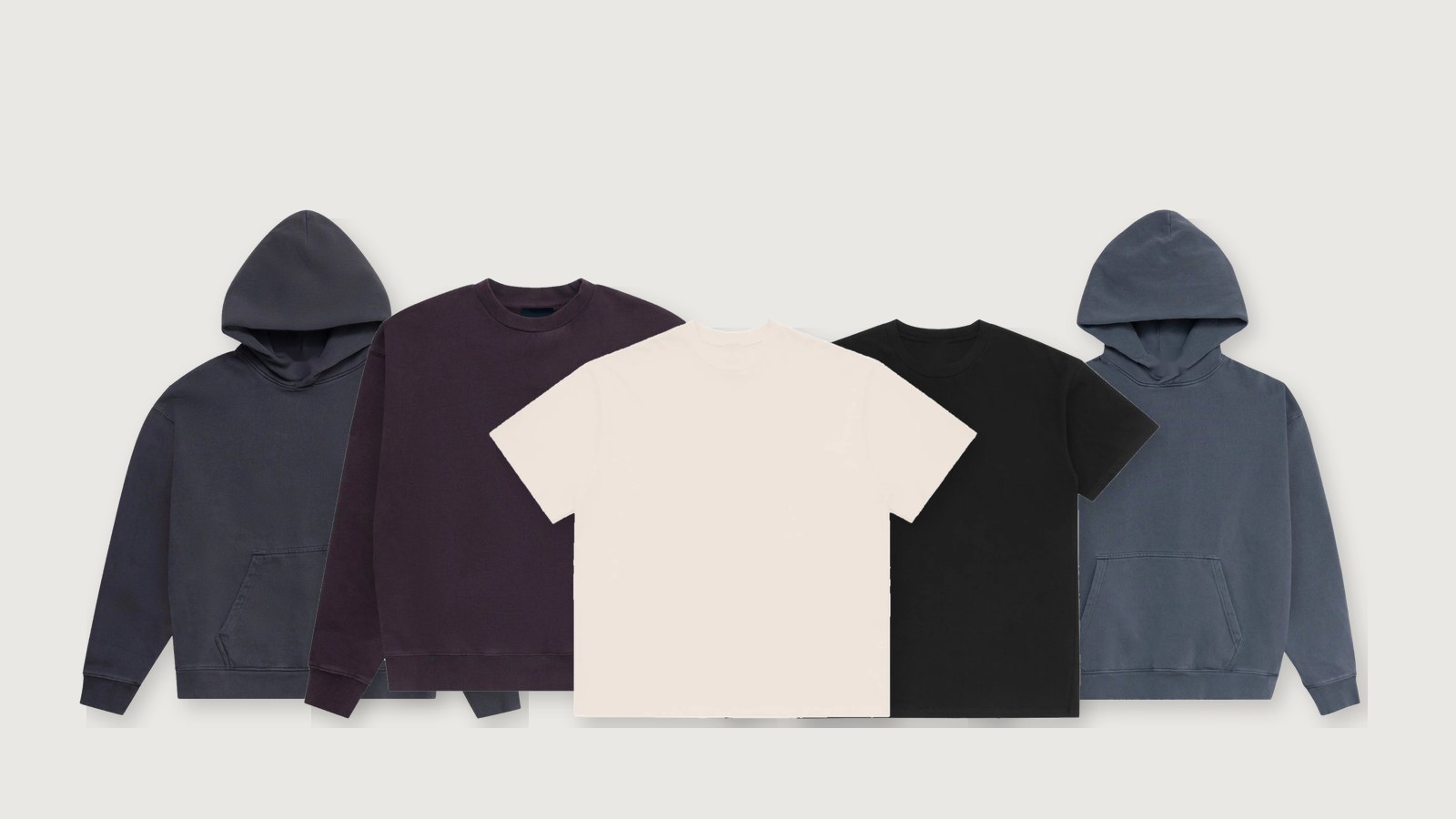
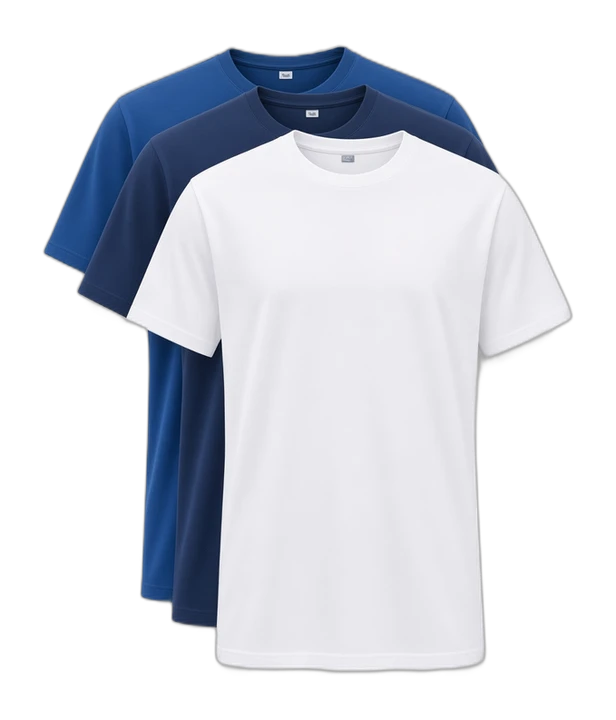
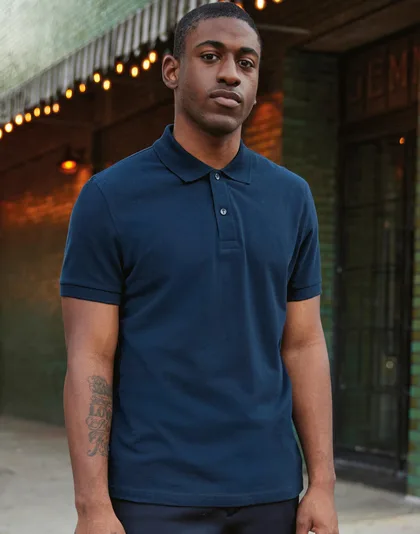
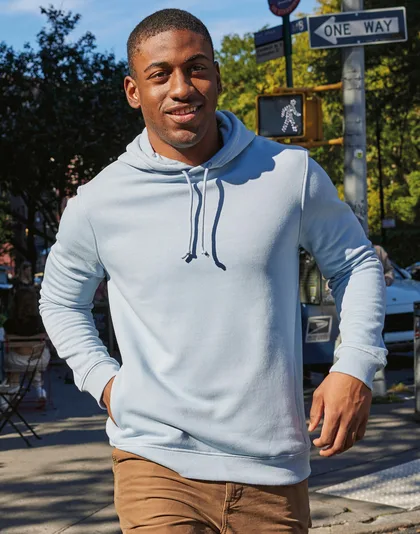
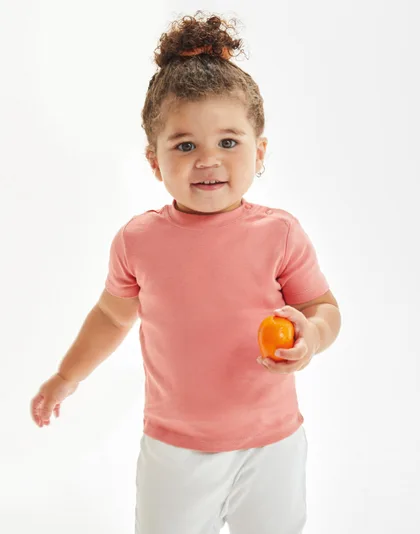
To put a kids drawing on a t-shirt, scan or photograph the sheet in good light, upload the file to the design studio and choose where the drawing goes and how big it is. At TshirtPro we personalise B&C t-shirts and sweatshirts for adults and children with DTF and DTG printing, personalised in Portugal, from 1 unit. You can make a single piece with your child’s drawing or a t-shirt for each person in the family.
This guide answers the questions we get from people who want to put a hand drawing on a garment: which drawing materials work best, how to scan the sheet, which size to choose, how it looks on a dark t-shirt and what lead times to expect. If what you have is a photo and not a drawing, see the guide custom t-shirt with a photo.
Quick answer: how to put a child’s drawing on a t-shirt
- Draw on plain white paper: with strong colours and some empty space around the drawing.
- Scan the sheet: on a scanner at 300 DPI or with your phone held above the sheet, in daylight and with no shadows.
- Remove the white paper: in the design studio, the Remove background tool leaves only the drawing on the t-shirt.
- Choose the right size: A4 on the front of an adult t-shirt and A5 on a t-shirt for a young child.
- Check the mock-up: look at the colours, the position and the size before the piece goes into production.
Which drawing materials work best
The print reproduces what is in the file. So the result depends a lot on what was used on the paper. Strong lines and solid colours come out very well on the t-shirt. Light lines and very pale colours get lost more easily.
| Material | How it looks on the t-shirt | Tip |
|---|---|---|
| Felt-tip pens | Bright colours and sharp outlines | The best choice for a drawing made for a t-shirt. |
| Thick black pen | Very clear lines | Use it to go over the outlines of a pencil drawing. |
| Coloured pencils | Soft colours with the paper texture | Ask the child to press hard and avoid areas that are almost white. |
| Wax crayons | Wide strokes with a visible texture | Looks lovely in large drawings, like a house or an animal. |
| Poster paint or watercolour | Patches of colour with soft blends | Let it dry well before scanning so the paper does not ripple. |
| Graphite pencil | Light grey with little contrast | Go over the outlines with a pen or felt-tip before scanning. |
You do not need to ask for a perfect drawing. The charm is in the child’s lines. What makes the difference is contrast: a dark line on white paper is always easier to print than a light, thin one.
How to scan or photograph the drawing
A scanner gives the best result, because the light is even across the whole sheet and the paper stays flat. An A4 sheet scanned at 300 DPI gives an image of about 2480 x 3508 pixels. That is enough to print the drawing up to A3, which needs 1754 x 2480 pixels to reach 150 DPI.
- With a scanner: choose 300 DPI and colour, even if the drawing is only in black. Save it as PNG.
- With your phone: put the sheet on a table near a window, during the day. Take the photo from above, with the phone parallel to the sheet, without flash and without your shadow on it.
- Frame only the sheet: crop out the edges of the table and straighten the image before uploading it.
- Send the original file: messaging apps compress images. Move the photo to your computer by cable or by email at its original size.
The design studio accepts PNG, JPG, SVG or PDF up to 10 MB. According to the site FAQ, it warns you if the resolution falls below 150 DPI for the print size. If the image is a little blurry, there is also the Improve resolution tool.
How to prepare the drawing in the design studio
After uploading the file, use the Remove background tool. It takes away the white of the paper and leaves only the child’s lines and colours. If you do not like the result, you can undo it and go back to the original file. Always check these points carefully:
- Very light colours: pale yellow or pale pink from a coloured pencil can disappear together with the background.
- Shadows and marks: a grey shadow in the photo can end up printed as a stain.
- White areas painted on purpose: if the child painted white clouds, for example, they also go with the background.
You can add the child’s name and age or the date next to the drawing. A signature like «Drawing by Maria, age 6» turns the t-shirt into a keepsake. For different names on several pieces, follow the steps in custom t-shirts with names.
How big should the drawing be on the t-shirt
The size depends on the garment and on the age of the person wearing it. A child’s t-shirt is much narrower than an adult one: the B&C #E190 Kids TK002 is 30 cm wide in size 3-4 and 43 cm wide in size 12-13. The table uses the print formats from the design studio.
| Garment | Area | Suggested format | Size |
|---|---|---|---|
| Adult t-shirt | Front, large drawing | A4 | 210 x 297 mm |
| Adult t-shirt | Back | A3 | 297 x 420 mm |
| Adult t-shirt | Chest, small drawing | A6 | 105 x 148 mm |
| Kids t-shirt, sizes 3-4 and 5-6 | Front | A5 | 148 x 210 mm |
| Kids t-shirt, sizes 7-8 up to 12-13 | Front | A4 | 210 x 297 mm |
| Adult or kids t-shirt | Sleeve | A7 | 74 x 105 mm |
If the same image goes on the father’s t-shirt and on the son’s, choose a format for each garment. The drawing stays in proportion on both. The sleeve works well for the name or the date, but it is small for a drawing. There are more examples of print positions in where to print the logo on a t-shirt, and the garment measurements are in prices and sizes.
The colour of the t-shirt changes the result
Once the background is removed, the drawing sits on top of the fabric colour. On a light garment, it looks just like what the child did on paper. On a dark garment, the black lines can no longer be seen.
| Garment colour | How the drawing looks | Tip |
|---|---|---|
| White | The same as the drawing on paper | The safest choice for any drawing. |
| Light colours, like yellow or sky blue | The colours of the drawing blend a little with the background | Go for drawings with dark outlines. |
| Black or navy | The black lines disappear into the fabric | Keep the white background like a frame or choose a light garment. |
| Heather grey | The fabric texture shows between the lines | Works best with solid colours and thick lines. |
On a dark garment, a good solution is not to remove the background and to leave the drawing inside a white rectangle, like a frame. In the mock-up you can see right away whether you prefer it that way or without the background.
Ideas for using children’s drawings
- A gift for parents or grandparents: the grandchild’s drawing on the front and their name on the sleeve. There are more ideas in personalised t-shirt gift.
- Matching family: the same drawing on every t-shirt, in adult and kids sizes.
- Birthday: the child draws the party theme and the guests get the t-shirt. See custom birthday t-shirts.
- Class or school: the drawings of all the pupils together in one image, for the end of the year or a school trip. There is advice for classes in custom t-shirts for children and schools.
- Group of friends or cousins: a different drawing on each t-shirt, each with its artist. More ideas in custom group t-shirts.
To combine several drawings in one image, scan each sheet and put everything together in one file before uploading it. That way you control the order and the space between the drawings.
DTF or DTG for a child’s drawing
Both techniques print a hand drawing well. In the design studio, the models that accept both techniques show the Printing technique step, with DTF or DTG. DTF works for every area, including the sleeves, in formats A7 to A3, and gives bright colours on light and dark fabrics. DTG prints directly into the fabric, only on the front and back, in four formats: 20 x 20 cm, 20 x 30 cm, 30 x 40 cm and 40 x 50 cm. It has a very soft feel on a cotton garment and reproduces the texture of coloured pencil and watercolour well. The Classic Tee B&C #E150 TU01T appears in the design studio with DTF only. The full comparison is in DTF or DTG: what is the difference.
Which garment to choose for the drawing
The table brings together the models we recommend most for children’s drawings, with the data from the product pages.
| Model | Fabric | Colours and sizes | Who it is for |
|---|---|---|---|
| Premium Tee B&C #E190 TU03T | Cotton, 185 g/m² | 40 colours, XS to 3XL | Parents, grandparents and other adults |
| Classic Tee B&C #E150 TU01T | Cotton, 145 g/m² | 41 colours, XS to 3XL | Many pieces for a party, DTF only |
| B&C #E190 Women TW04T | Cotton, 185 g/m² | 40 colours, XS to 3XL | Mums, grandmothers and godmothers |
| B&C #E190 Kids TK002 | Cotton, 185 g/m² | 12 colours, ages 3-4 to 12-13 | The young artist and their siblings |
| B&C Inspire Crew Neck WU31B | Cotton and recycled polyester, 280 g/m² | 21 colours, XS to 3XL | Adults in winter |
| B&C Set In Kids WK680 | Cotton and polyester, 280 g/m² | 6 colours, ages 3/4 to 12/14 | Children in winter |
Adult t-shirts
The Premium Tee B&C #E190 TU03T has 185 g/m² of cotton, a tubular body with no side seams and 40 colours, from XS to 3XL. The Classic Tee B&C #E150 TU01T has 145 g/m², the same tubular body and 41 colours. It is lighter and good for a party with many pieces. For women, the B&C #E190 Women TW04T has 185 g/m², side seams for a better fit and 40 colours, from XS to 3XL.
Kids t-shirt
The B&C #E190 Kids TK002 has 185 g/m² of cotton, a tubular body with no side seams and no neck label, which is more comfortable for children’s skin. It comes in 12 colours and in sizes for ages 3 to 13. To pick the size for each child, see how to choose t-shirt sizes.
Sweatshirts for winter
The B&C Inspire Crew Neck WU31B is an adult sweatshirt with 280 g/m², in cotton and recycled polyester, with 21 colours and sizes from XS to 3XL. For children, the B&C Set In Kids WK680 has 280 g/m², a brushed inside, ribbed cuffs and waistband and 6 colours, for ages 3 to 14. On this kids sweatshirt the drawing goes on the front or the back. For more winter models, see custom Christmas sweatshirt.
Lead times for a t-shirt with a drawing
These are the TshirtPro steps and lead times, from the order to production:
| Step | Lead time | What depends on you |
|---|---|---|
| Mock-up | Up to 4 working hours after confirmed payment | Send the drawing already scanned and in good resolution. |
| Mock-up approval | As long as you take to approve it | Check the colours, the background and the size; if approval is delayed, the production time counts from it. |
| Standard production | Up to 9 working days | Choose this option when there is time before the gift date. |
| Priority production | Up to 5 working days, with a 10% surcharge | Choose this option in the design studio when the date is close. |
Find out what to check in the mock-up in what a personalisation mock-up is. The details are in the production lead time guide. Shipping is added to the times in the table.
Care so the drawing lasts
To make the print last, wash the garment inside out, without bleach and without dry cleaning. If you iron it, do it inside out and without touching the print. For the t-shirts in this guide (TU03T, TU01T, TW04T and TK002), the product page says wash at up to 30 °C and no tumble dryer. The WU31B and WK680 sweatshirts are also washed at 30 °C. The full guide is in how to wash custom t-shirts.
Frequently asked questions
Can I put my child’s drawing on a t-shirt?
Yes. Scan or photograph the drawing in good light and upload the file to the design studio. The Remove background tool takes away the white of the paper and the mock-up shows the result before production.
What resolution should the scanned drawing have?
Scan the sheet at 300 DPI. An A4 sheet at 300 DPI gives about 2480 x 3508 pixels, which is enough to print up to A3. The design studio warns you if the resolution falls below 150 DPI for the chosen size.
Does a phone photo of the drawing work?
It does, if it is taken from above, in daylight, without flash and without shadows. Send the original file and not the compressed version from a messaging app.
Does the drawing look good on a black t-shirt?
Black lines disappear on black fabric. On a dark garment, keep the white background like a frame or choose a white or light coloured t-shirt.
Can I order just one t-shirt with the drawing?
Yes. We personalise from 1 unit. You can make a single piece as a gift or one for each person in the family, in adult and kids sizes.
How long does a t-shirt with a child’s drawing take?
The mock-up arrives within up to 4 working hours after confirmed payment. Once you approve it, standard production takes up to 9 working days and priority production up to 5 working days, with a 10% surcharge; shipping is added to this.
How to order a t-shirt with a child’s drawing from TshirtPro
- Scan the drawing: at 300 DPI or with a photo from above, in daylight.
- Choose the garment: in the design studio, the model, the colour and the technique, when the model accepts DTF and DTG.
- Upload the file: on the front or the back, use Remove background and pick the format.
- Enter the sizes: the quantity of each adult and kids size.
- Choose the lead time: standard, up to 9 working days, or priority, up to 5 working days, with a 10% surcharge.
- Approve the mock-up: check the colours, the background and the size; only then does the piece go into production.
TshirtPro personalises B&C t-shirts and sweatshirts with children’s drawings, with DTF and DTG printing, personalised in Portugal, from 1 unit. In the design studio you choose the garment, the colour, the areas and the size of each print and see the price straight away; the other models are in all products and there are more guides on the blog. Questions about your drawing? Use the contact page, send a WhatsApp message to +351 968 662 370 or write to info@tshirtpro.pt, Monday to Friday, from 9:00 to 18:00.
Ready to create your custom t-shirts?
Confirm your order and receive a free mockup before production.
Start configuring